×
×
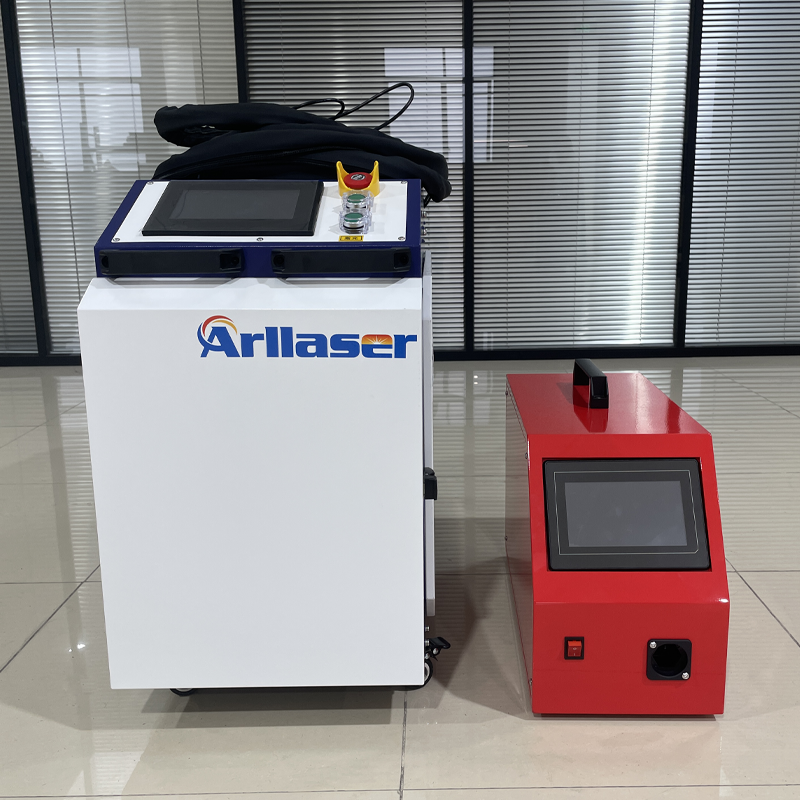
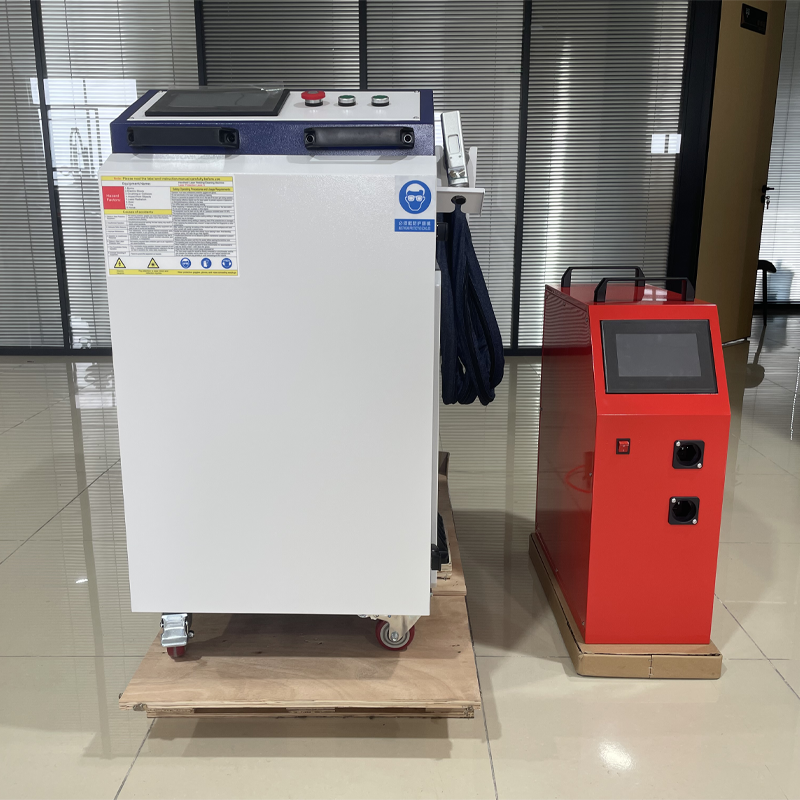
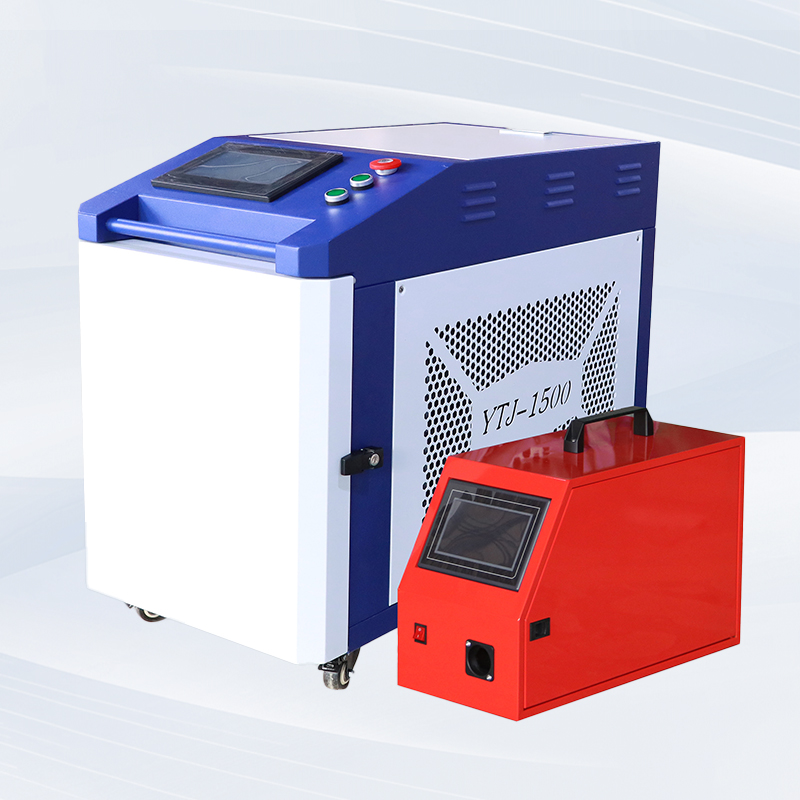
The all-in-one laser welding machine can adjust welding parameters and change copper nozzles to achieve cutting function, and is used to cut thin metal sheets.
1. Process parameters
Unlike welding, the cutting light spot has no width, so the scanning width must be set to “0”, meaning the red light is a single point.
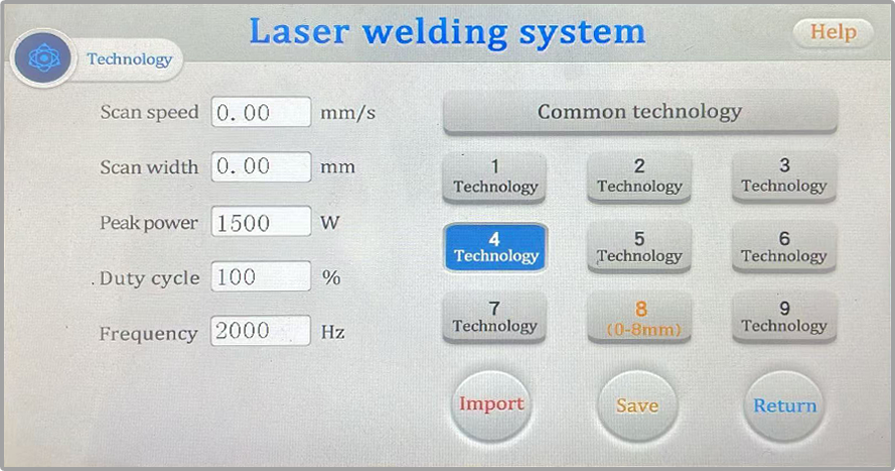
Graph 1. Settings interface.
Scan Speed: Ignore this parameter; any setting is acceptable;
Scan Width: 0;
Peak Power: Full power cutting is recommended (reference value), adjust according to actual conditions;
Duty Cycle: 100 (reference value);
Frequency: 2000 (default parameter is sufficient).

After setting the parameters, import and return; you will then see this process on the left side of the homepage.
(Modify - Save - Import - Return)
Focus: Negative focus is recommended (directly affects cutting results).
2. Replace copper nozzle
It is recommended to use a copper nozzle of 1.5mm or above.
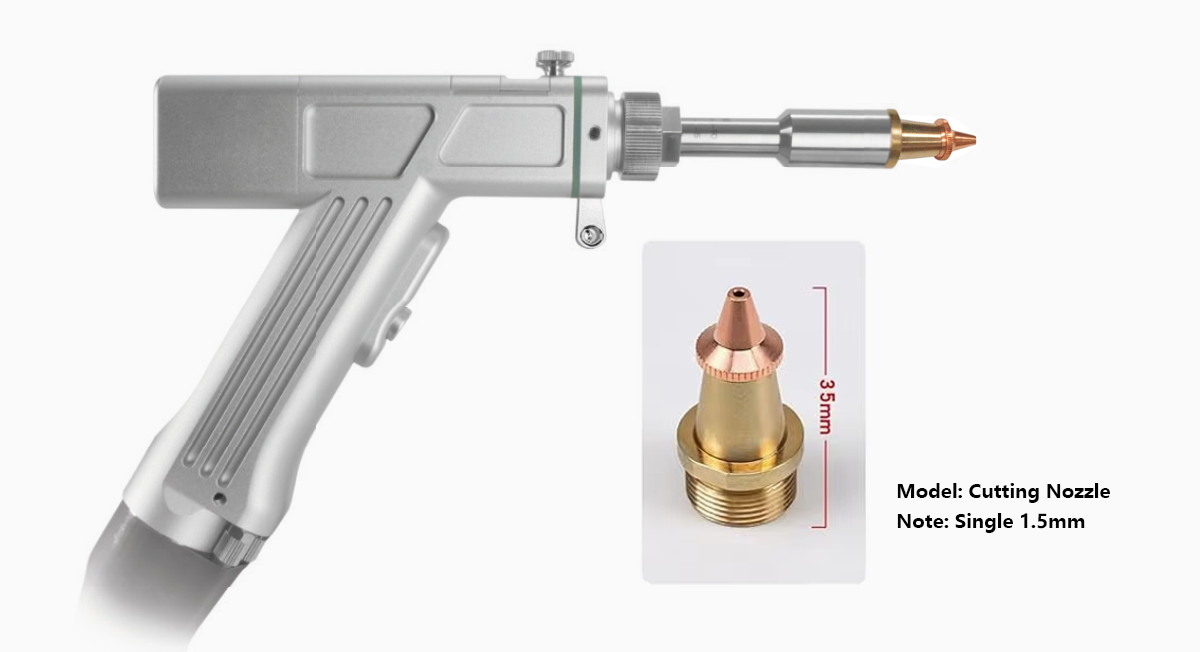
Graph 2. Cutting nozzle.
3. Red light center point
Ensure that the red light is coming out completely from the center of the copper nozzle; otherwise, it may burn out the copper nozzle.
If the red light is misaligned, please refer to the following link to adjust the red light.
Click to read the adjustment method: How To Adjust The Red Light offset on the handheld welding gun head?
4. Cutting Suggestions
Focus requirements: Negative focus generally results in less dross.
Gas requirements:
1) If a clean cut surface is required, it is recommended to use nitrogen gas (greater than 6 bar), which results in a relatively white cut surface;
2) If cutting thickness is the priority, use oxygen or air for cutting, which results in a relatively black cut surface;
3) Argon gas is not recommended for cutting, as it may result in poor cutting quality.
Cutting thickness: 3 mm or less is best. Maintain a consistent hand speed during cutting.
 Hot News
2025-11-01
2025-12-03
2025-12-01
2025-11-25
 EN
EN